
Any ONVIF or RTSP camera
Mix brands, mix generations. The software talks the standard protocols, so you are not locked to whoever installed the last batch.
Any ONVIF or RTSP camera, every site on one screen, recording to drives you control — and analytics on top when you are ready for it.
Home › CCTV Surveillance Software
Most sites do not need new cameras. They need one screen instead of six, recording they can trust, and a way to find footage without scrubbing through a night of video. That is what this does.
Mix brands, mix generations. The software talks the standard protocols, so you are not locked to whoever installed the last batch.
Cameras grouped by site, plant, branch or city. An operator in one control room sees all of them without logging into six systems.
Per-drive retention rules, and a timeline that shows exactly which minutes exist and which do not — including footage recovered from a camera's own SD card.
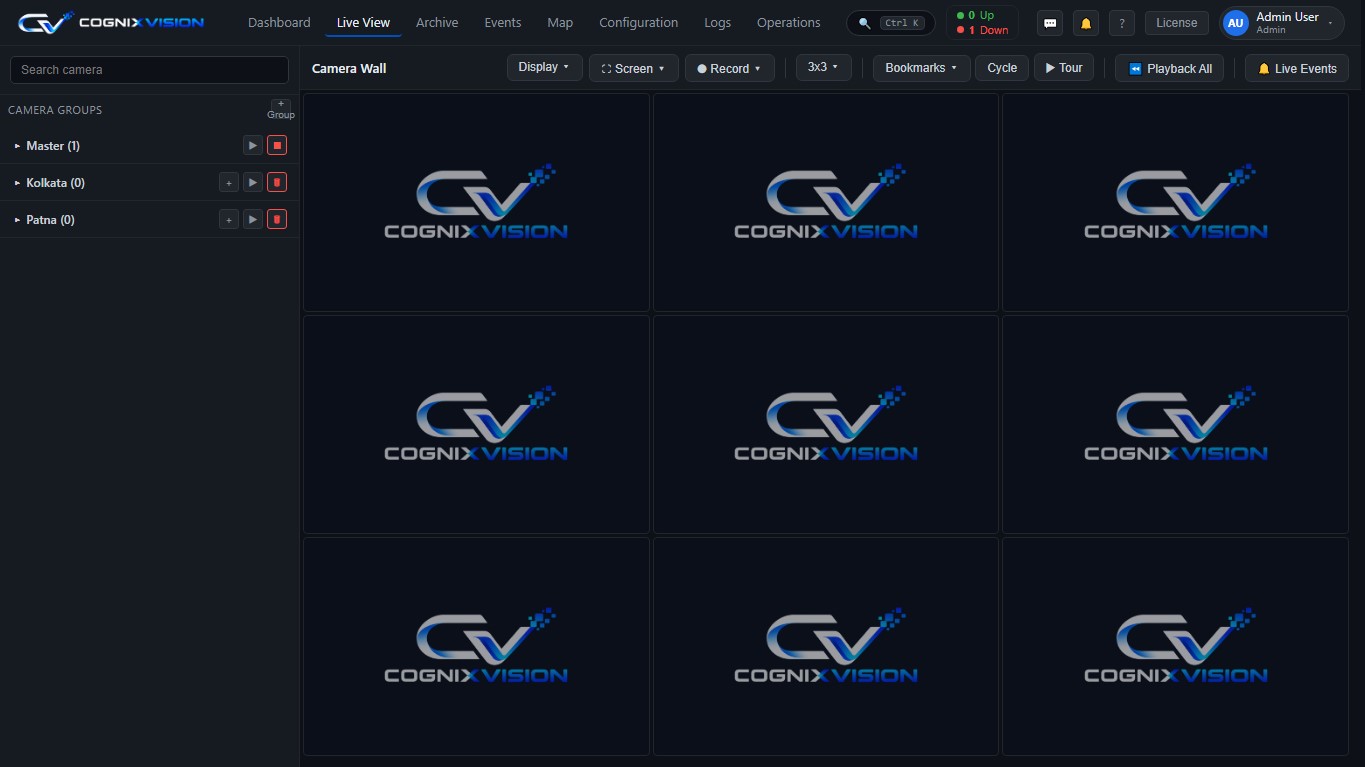
A camera wall from 1×1 up to 6×6, groups you define, cycling and tour for unattended monitoring, and one click to full screen when something needs attention. It runs in a browser, so there is nothing to install on the operator's machine.
A DVR keeps video. Software decides what is worth your attention.
A line or zone that raises an alert when someone crosses it, instead of hoping an operator is watching that tile.
Density and queue length measured continuously, useful for both safety and operations.
PPE and helmet checks on the people entering a zone, logged with the clip.
Match against a watchlist for access, attendance or a security alert.
Plate reads at gates and junctions, searchable months later.
Who viewed or exported which footage, and when — the record an investigation or a compliance review will ask for.
Almost never. If a camera speaks ONVIF or gives an RTSP stream — which covers nearly every IP camera sold in the last decade — the software can use it. Only specialist jobs like ANPR at speed need a specific camera.
An NVR manages the cameras plugged into that NVR. This manages every camera across every site from one screen, records where you tell it to, keeps working when a site link drops, and adds analytics on top.
Only if you choose to. By default everything records to drives you own, on your network. There is no per-camera cloud fee and no vendor holding your video.
That depends on resolution, frame rate, retention and how much analytics you run — not on a licence limit. We size the server from your actual camera list.
Local recording continues. When the link returns, the site syncs back to the central server and the timeline shows you which segments came from where.
Brands, models and counts. We will tell you what runs as-is, what needs a firmware change, and what genuinely needs replacing.